🔥 Live Sale Launch Offer: Get 10% off on all courses
SWIFT10 Copy
Ends in:
00days
:
00hrs
:
00min
:
00sec
Discover Our iOS Development Course

Master Swift & Build Amazing Apps

Join SwiftCraft Academy's iOS development course — Swift, SwiftUI, and everything you need to publish real apps.

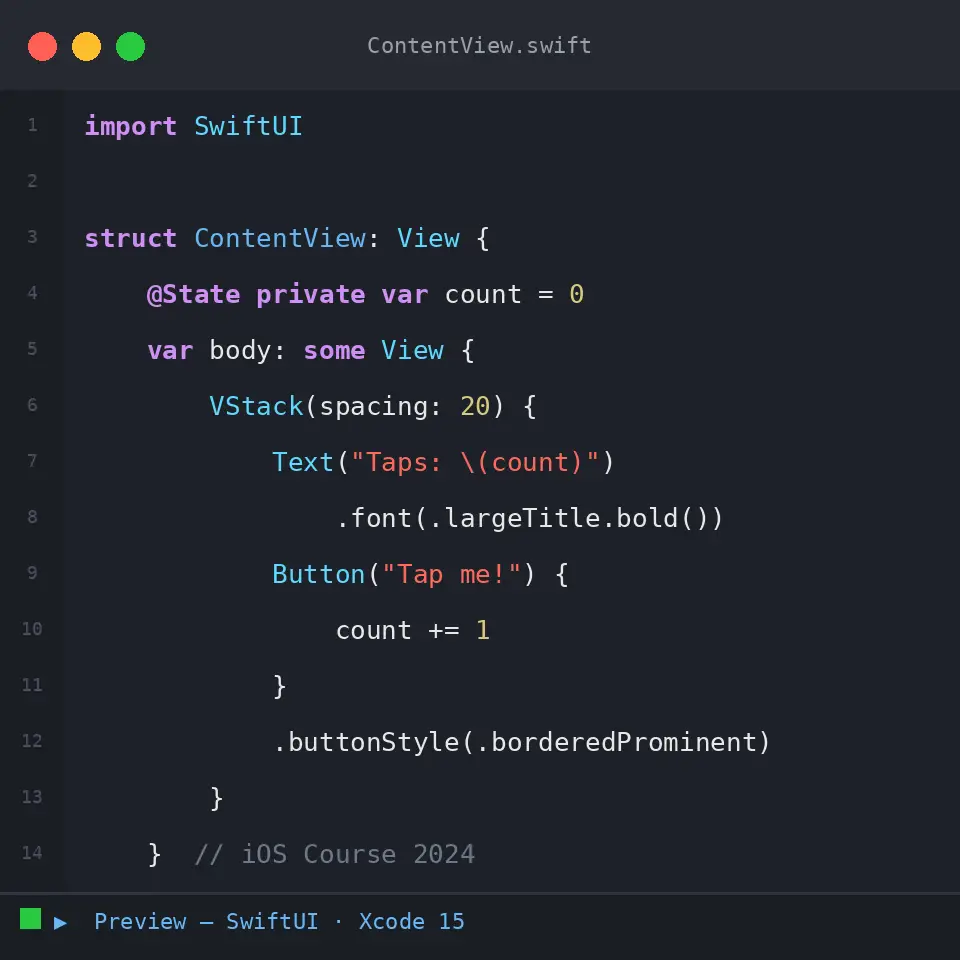
iOS development course Swift code example - SwiftCraft Academy

Master Swift, SwiftUI, & the App Store in 24 weeks

Absolute zero to publishing your own app.

WHY SWIFTCRAFT ACADEMY

The iOS career path that actually works

iOS development course with project-based learning approach

Project-Based Learning

Build real apps. Your portfolio will speak for itself when applying for jobs or pitching clients.

Industry-ready skills taught in SwiftCraft Academy iOS development course

Industry-Ready Skills

MVVM architecture, async/await networking, Firebase integration, and code review best practices baked into every module.

Lifetime access to iOS development course materials at SwiftCraft Academy

Lifetime Access

Buy once, keep forever. All future updates as Swift and SwiftUI evolve are included at no extra cost..

iOS development is one of the highest-paying skills in tech. The average iOS developer salary in India ranges from Rs. 8–25 LPA, and globally from $90,000–$160,000. This course teaches you everything you need to get there.

₹25 LPA

$160K

WHAT YOU'LL ACHIEVE

REQUIREMENTS

What you need to get started

No prior iOS experience needed. If you can use a computer, you can start today.

Blue laptop icon on a dark blue background

A Mac with macOS 15.6+ (Sequoia or later) — any Mac from 2024 onwards works perfectly.

Abstract teal circle with a pink crescent outline on a light gray background.
No prior iOS or Swift experience  required. We start from the very basics.
Abstract blue blob with a darker blue circle and a small red circle overlapping.
Apple Developer Account — free for learning, paid only needed to publish to the App Store.
Code icon button to view/edit code

Xcode 26 — Apple’s free development environment, available from the Mac App Store.

Abstract purple badge: a lavender circle overlapping a light purple rounded square.
Basic programming logic is helpful but not mandatory. All concepts are explained from scratch.
Access timer
4–6 hours per week recommended for best progress. Fully self-paced, no deadlines.

FAQ

Frequently Asked Questions

SwiftCraft Academy’s iOS development course is a comprehensive 24-week program that takes you from complete beginner to published App Store developer. You’ll master Swift, SwiftUI, Firebase, and the full professional iOS development workflow — all with lifetime access and a completion certificate.

Yes — Xcode, Apple’s development environment, runs exclusively on macOS. Any Mac running macOS Sequoia 15.6 or later will work perfectly.

NOTE: MAC is optional for students who have enrolled in the Foundation program.

Forever. Purchase once and access the content — including all future updates — for life.
Absolutely. We start from Swift syntax fundamentals. If you can use a computer, you can start this course.
Yes. Upon completing the course, you receive a certificate of completion to share on LinkedIn and add to your resume.
Go at your own pace from the comfort of your home — there are no deadlines. The course is fully self-paced and designed for students studying 4–6 hours per week.
Yes! You can upgrade your plan at any time, starting from your initial course enrollment. We’ll credit your previous purchase toward the higher plan.
 
Email us at support@swiftcraftacademy.com for more details.
Swift 6.3, SwiftUI, Xcode 26, Firebase and Swift Data. All tools used in this course are industry-standard and free to get started with.
Scroll to Top